Team spots
Mint spots for a community's own team, with no raffle.
A partner's own team often wants mint spots too. With team spots, there is no raffle: the community adds its team's wallets on your brief before a deadline, each with who it is.
Asking
A community asks for them in the same form as its other spots.
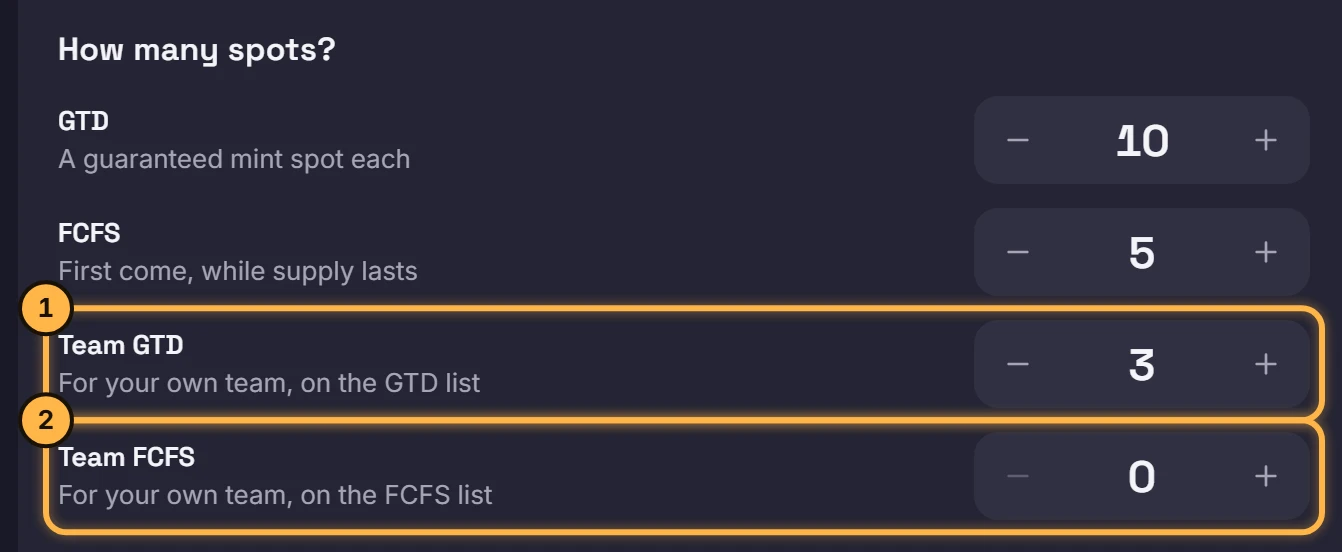
- 1Team GTD: goes on the GTD list.
- 2Team FCFS: goes on the FCFS list.
Team spots alone are a fine ask. There is no default on the brief: you decide per community, and none is fine.
Giving them a deadline
Team wallets share the partner's one deadline, with its raffle spots. When you approve, pick how long they have.
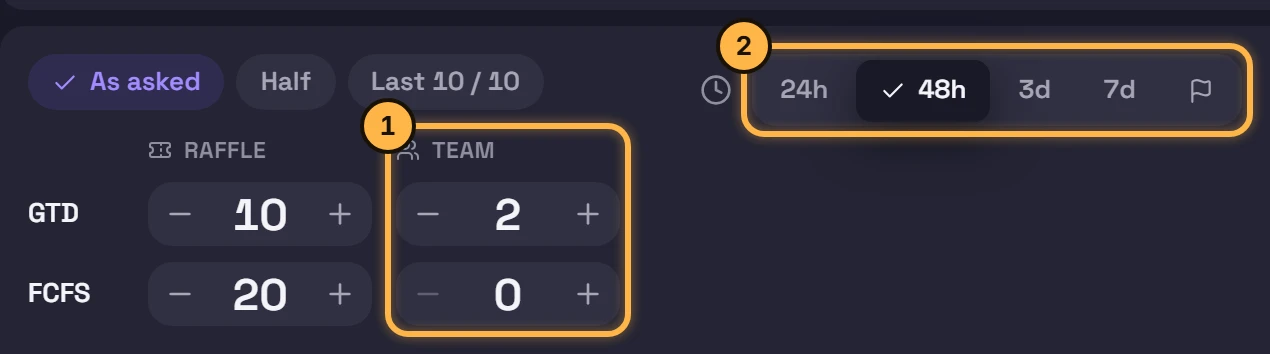
- 1The team spots you give, per kind.
- 2The deadline: 24h, 48h (the default), 3d, 7d, or the flag for until the lists close.
A deadline never runs past the lists' close. The person who asked hears it in-app and by DM, with the deadline in it. Deadlines and reminders has the rest.
Filling the list
The community fills it on your brief: the + on its Team GTD or Team FCFS bar opens a row for each spot, saved together, or the Team rows of the same sheet as its winners come in with Add winners (Add your winners and team).
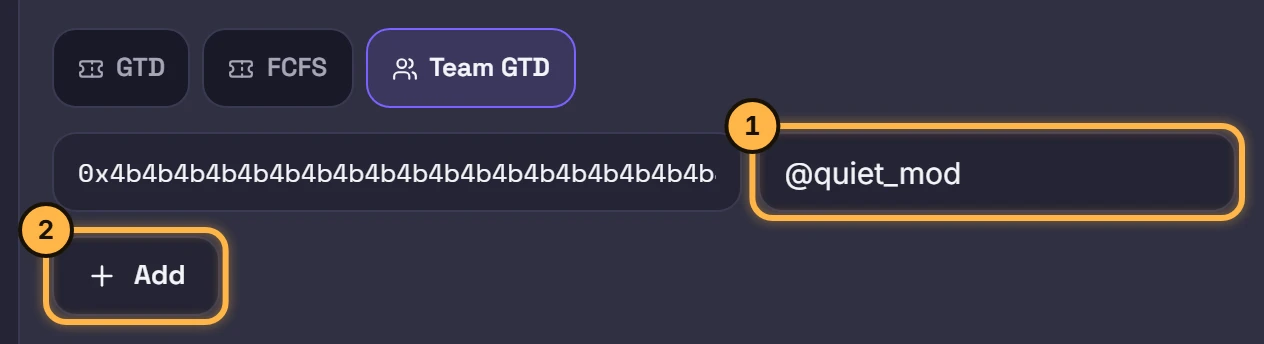
- 1Who it is: an X handle or a Discord name.
- 2Add. Add me puts in your own wallet and name.
Then Save. Each wallet is checked against the mint chain, says who it is, and one person holds one team spot. Reminders come before the deadline while spots are left, and you get a notification when they send them. The names show on Partners and Wallets.
Anyone with the Raffles permission in that community can edit it until you lock the final list, even past the deadline.
You and your editors can change any list at any time, even after you lock: open the partner's row on Partners.
Where the wallets land
On Wallets, with the winners, marked Team GTD or Team FCFS. They go into each phase's export and allowlist: One winners list.