Run a collab
For communities: ask a project for spots and run its raffle in one click.
A project sends you its brief link. You ask for spots, the project approves, and you raffle them with the brief filled in.
Ask for spots
Open the brief
Open the link (app.fealty.club/t/<handle>) and scroll to Run this collab in your community. Signed out, press Sign in to ask for spots.
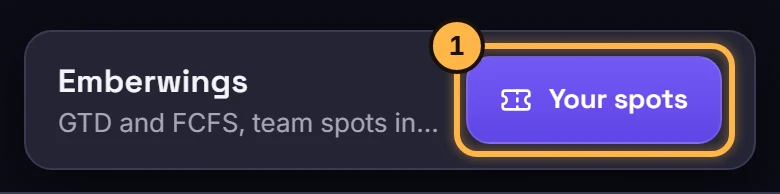
- 1On a phone, this bar opens the same card as a sheet: Request spots, or Your spots once you have some.
Pick your community
First time on Fealty? Which community is asking? sets it up right there: tap a Discord server you run (no bot needed), or name your community and press Continue. From then on it waits here.
Each one under Your communities says where it stands: No spots yet, what it asked for, or what it was approved.
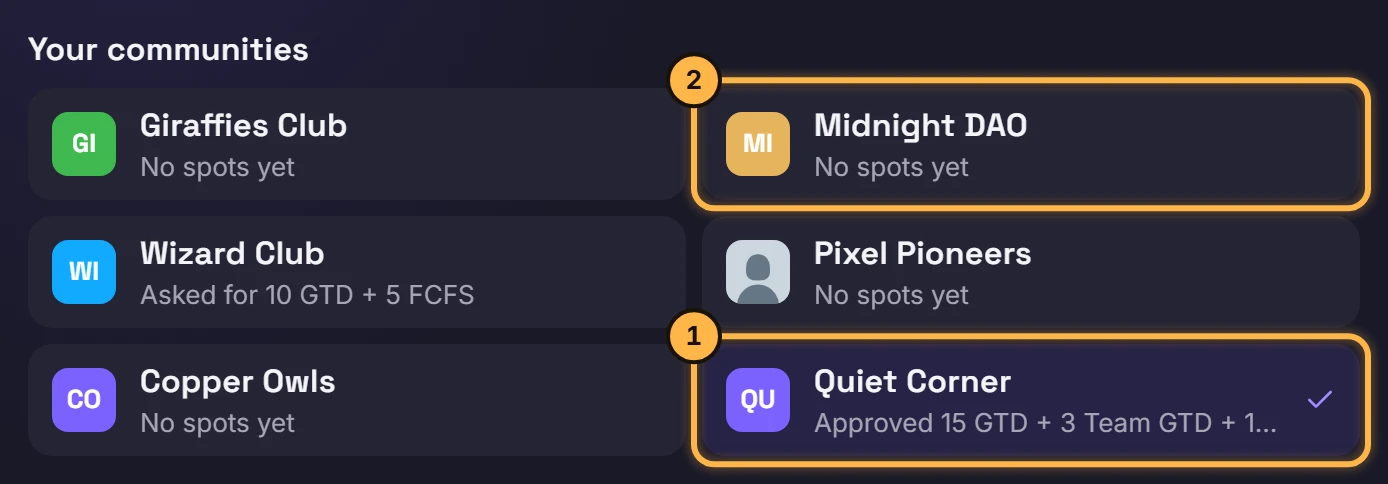
- 1Approved: its spots open below.
- 2No spots yet: pick it to ask.
Fill in the short form
Pick how many GTD and FCFS spots you want, plus any team spots for your own team.
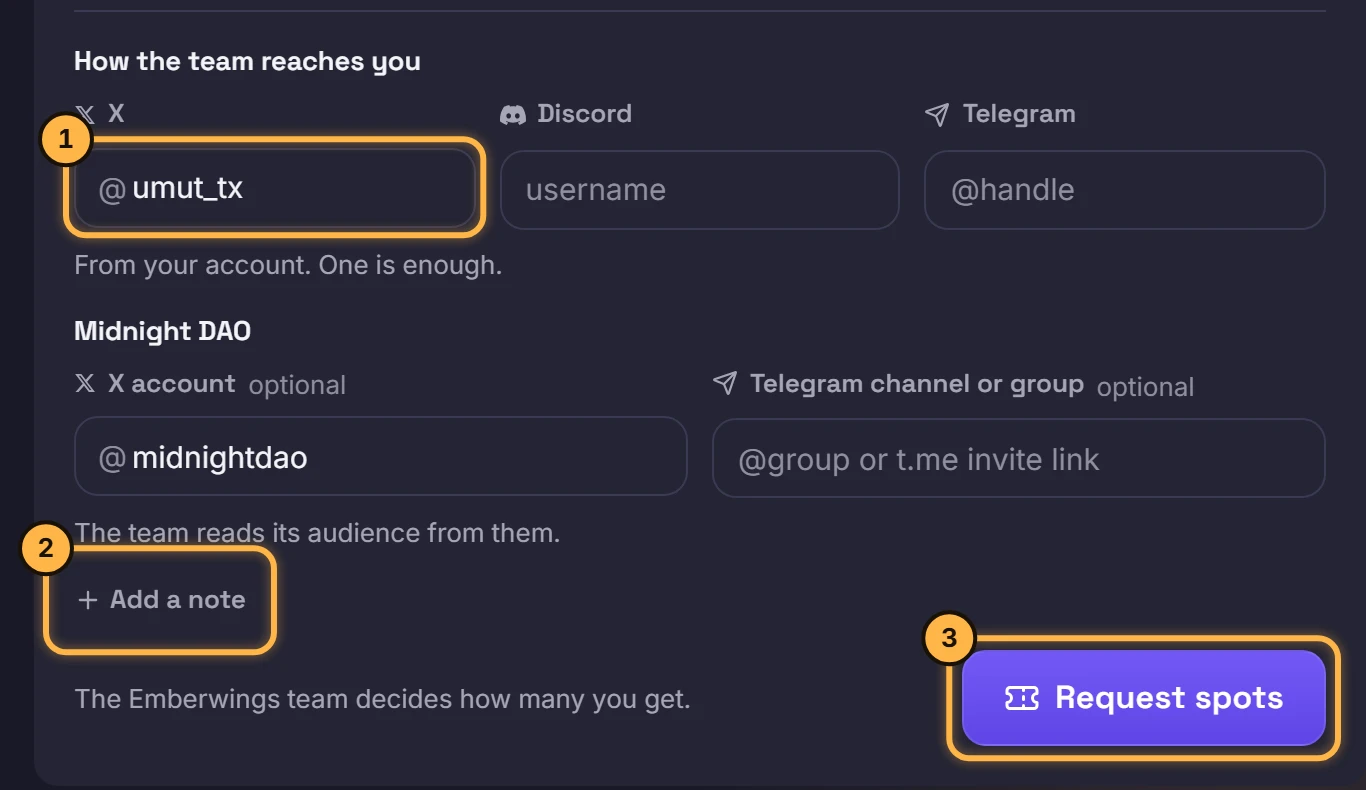
- 1How the project reaches you. Filled in from your account; one is enough.
- 2Add a note: your members, what you run, a link.
- 3Request spots.
The project decides how many you get. Until then the card shows what you asked for.
No Telegram or Discord connected? Get the answer in your DMs offers both, so the answer reaches you the moment it comes. On Telegram it always lands; a Discord DM needs a server you share with the Fealty bot.
You can also ask from New raffle: Run a collab, then Request spots (Running a raffle).
Run the raffle
Once approved, the brief shows your spots.
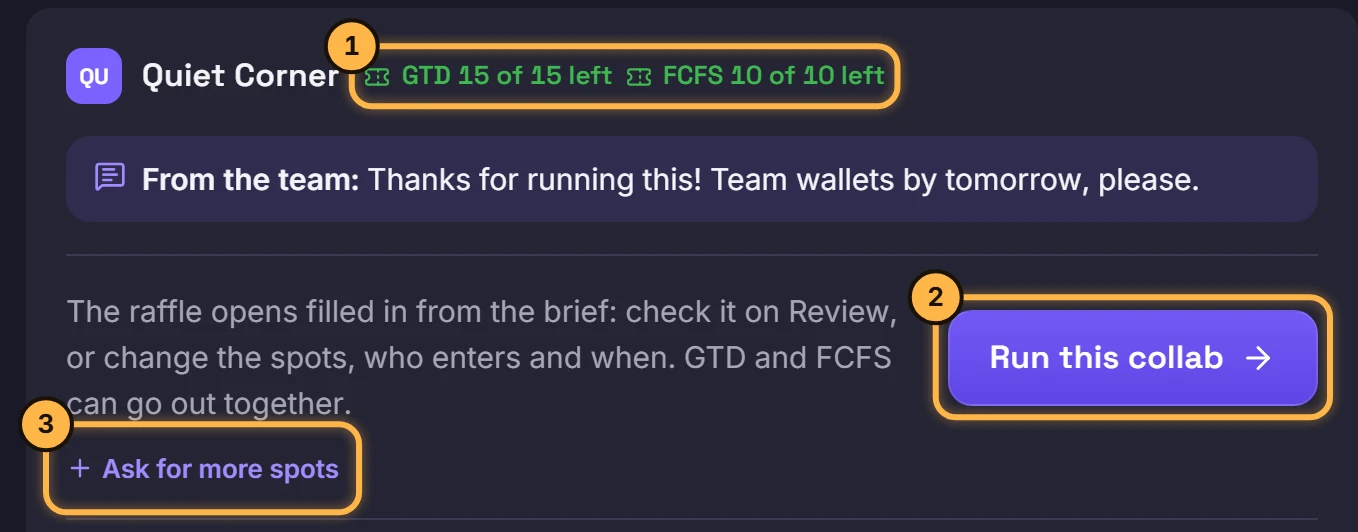
- 1Spots left, per kind. The project's message sits under them.
- 2Run this collab opens the raffle form.
- 3Ask for more spots: the same form. Your spots stay as they are meanwhile.
The form usually opens on Review, filled in from the brief: titles, description, banner, winner messages and the mint. The brief is also under Run a collab when you start a new raffle.
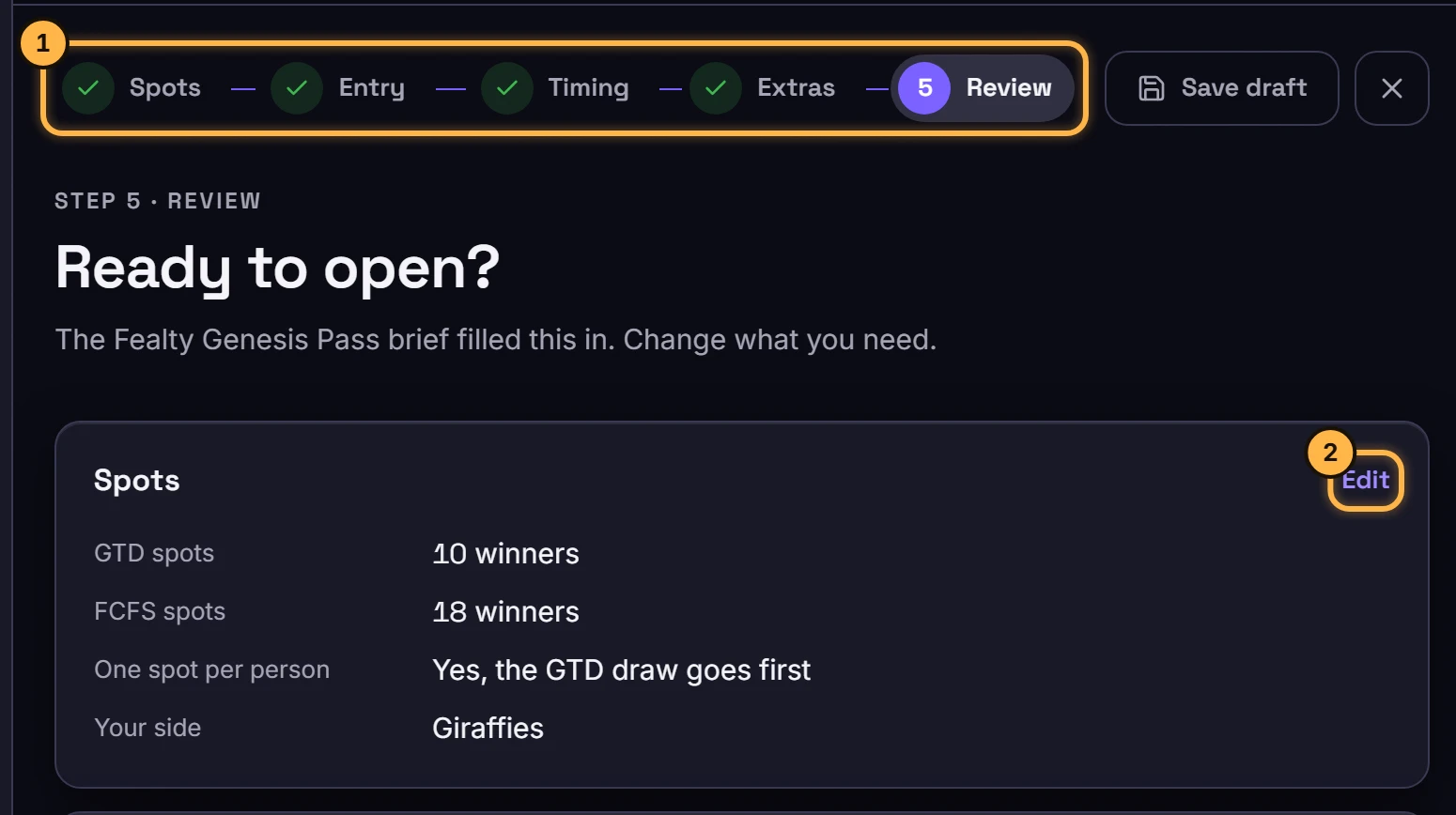
- 1Spots, Entry, Timing, Extras, Review. Click any step to change it.
- 2Edit on each card does the same.

- 1Preview: how the raffle and its post will look.
- 2Publish and post both: GTD and FCFS go out together, one raffle each.
Spots
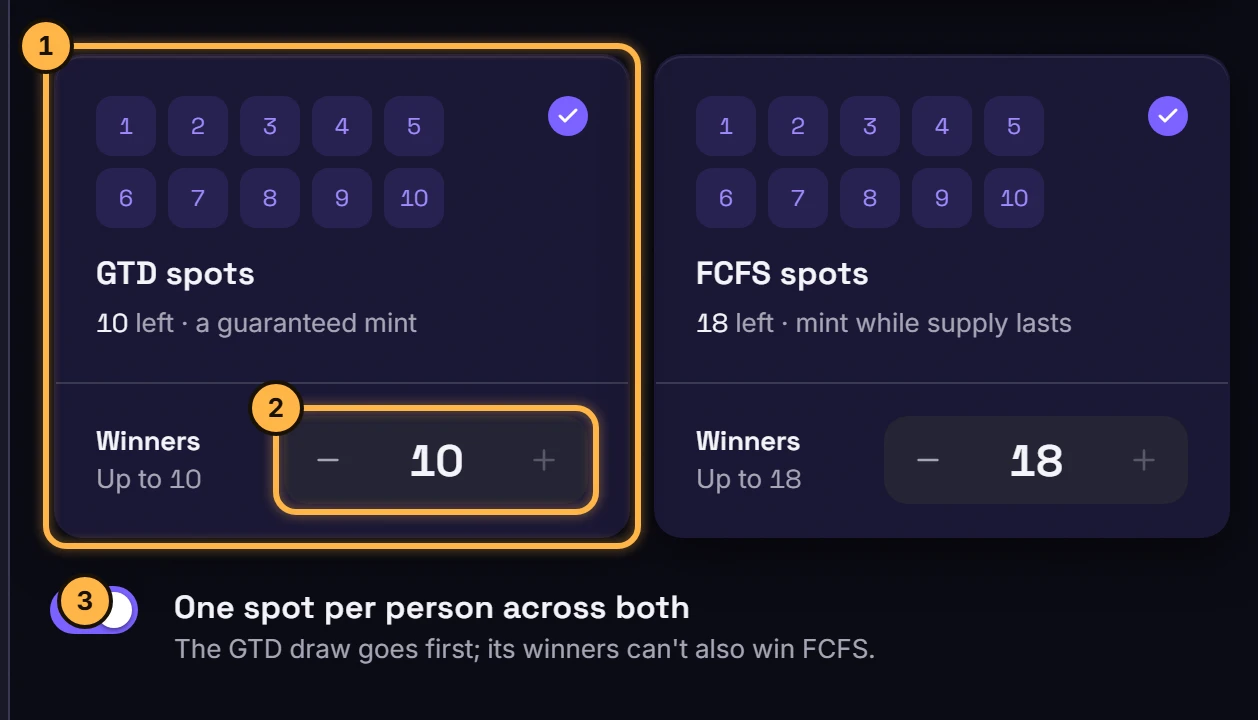
- 1Each kind you tick becomes its own raffle.
- 2Its winners, never above your spots left.
- 3One spot per person across both: the GTD draw goes first, and its winners can't also win FCFS.
Under it, your side: whose holders enter. Change picks another collection.
Entry
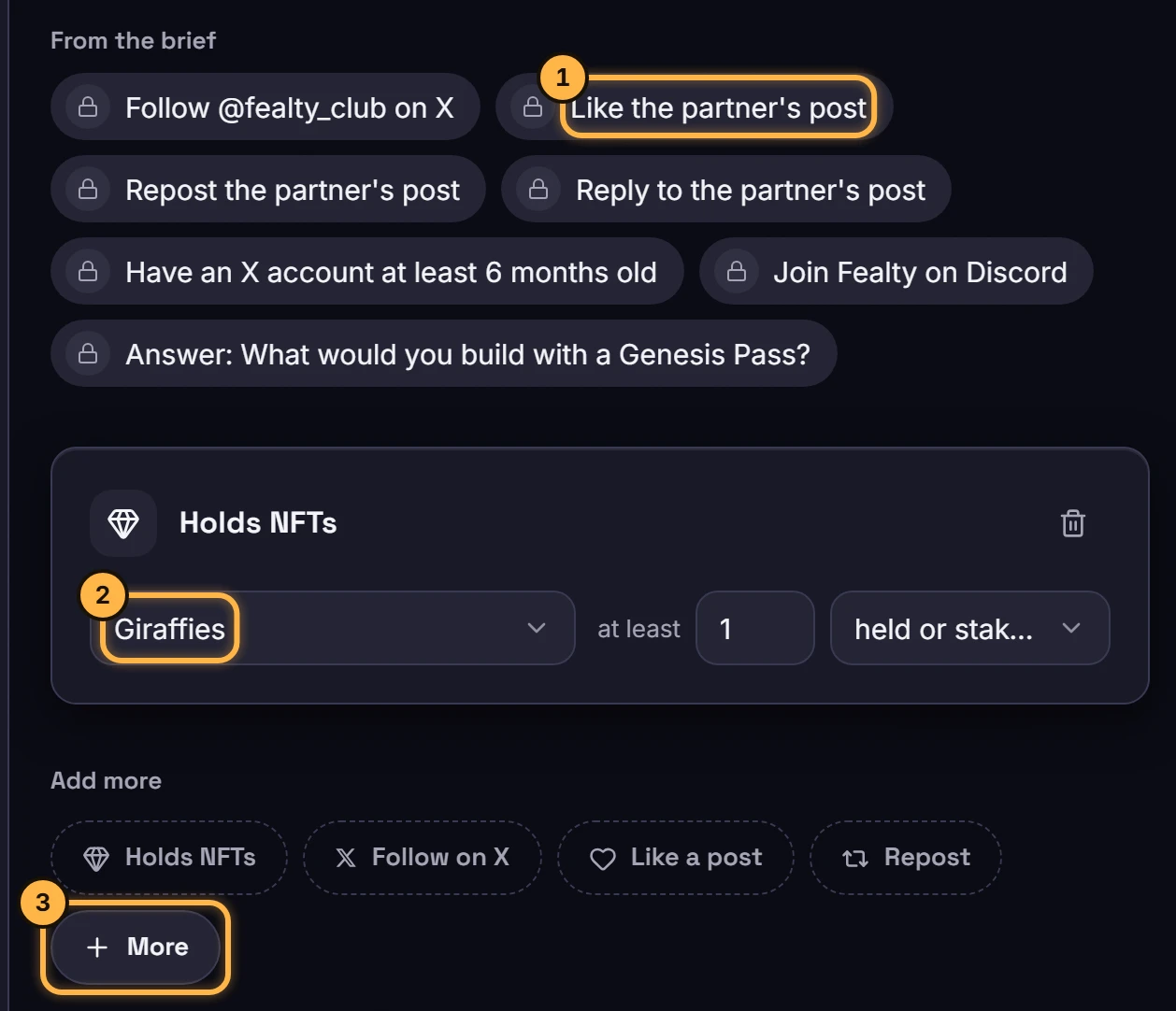
- 1The brief's tasks, locked.
- 2Your own rule, here your holders.
- 3More adds anything else.
Spots stay in your community
Timing and Extras work as in any raffle.
When the raffle is drawn, its winners go on the project's list by themselves, and you get a note saying so: nothing to send. A winner with no wallet for the mint is asked for one; after 48 hours without one, the spot comes back to you.
Ran the giveaway somewhere else?
If the project allows wallet lists, Add winners fills your spots from its sheet instead.
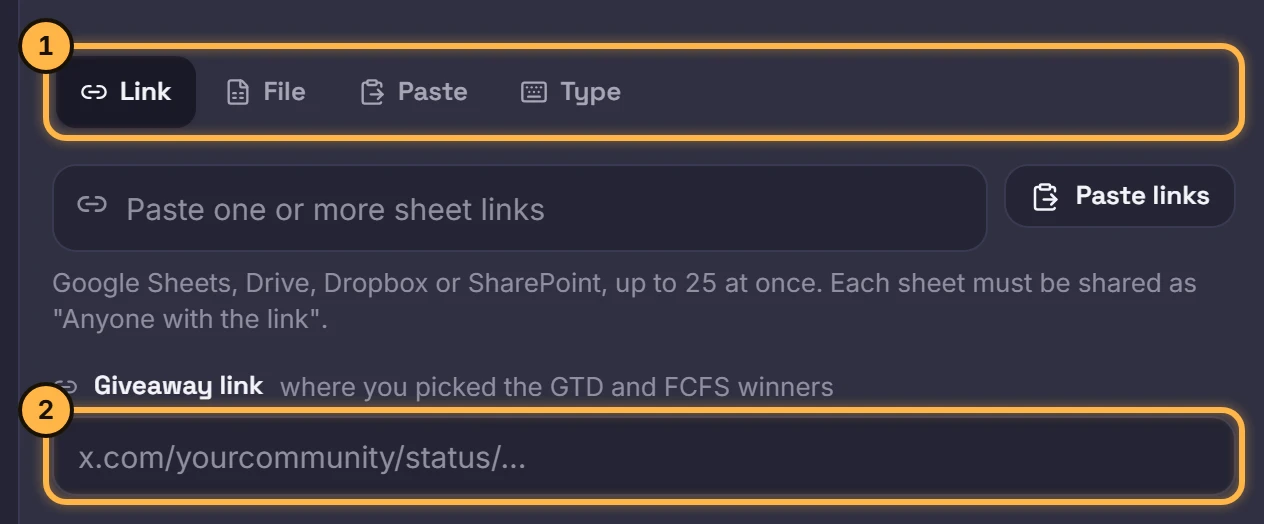
- 1A sheet Link, a File, Paste cells, or Type one.
- 2The Giveaway link: where you picked the winners.
Then Save. Past your spots, the extra wallets come unticked: pick who stays. Your team's wallets go in the same place. More: Add your winners and team.
Spots come back
Run another raffle from the brief with what came back.