Make a template
Write your collab brief once, in seven short steps. Only a name and a handle are required.
Open Templates and press New template (or My templates in your account menu). No profile, server or bot needed. A preview beside the form shows your brief as you type.

- 1Seven steps. Press a finished one to go back to it.
- 2Save draft at any step. Only you see a draft.
The seven steps
Collection
The name and handle, then optional: a tagline, a logo and a banner (you frame each before it uploads), and About. Raffles made from your brief use the same art.
About shows as you type it, on the page and in the PDF: line breaks, emoji, **bold** and - lists. Preview the PDF under it draws the page before you save.
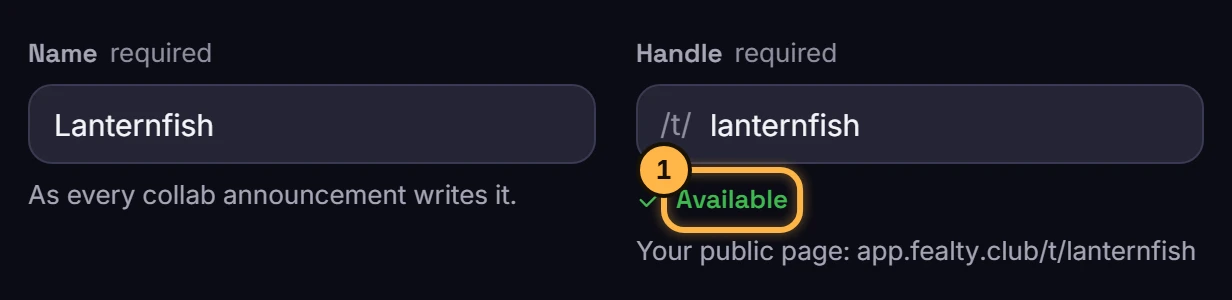
- 1Your handle is your page: app.fealty.club/t/handle. It is checked as you type.
Mint
Chain, date, price, supply and the mint page. Not sure yet? Not decided and Not announced yet show TBA until you fill them in.
Spots
Offer GTD spots, FCFS spots or both. Each kind becomes its own raffle. You set each community's numbers later, when you approve its ask.
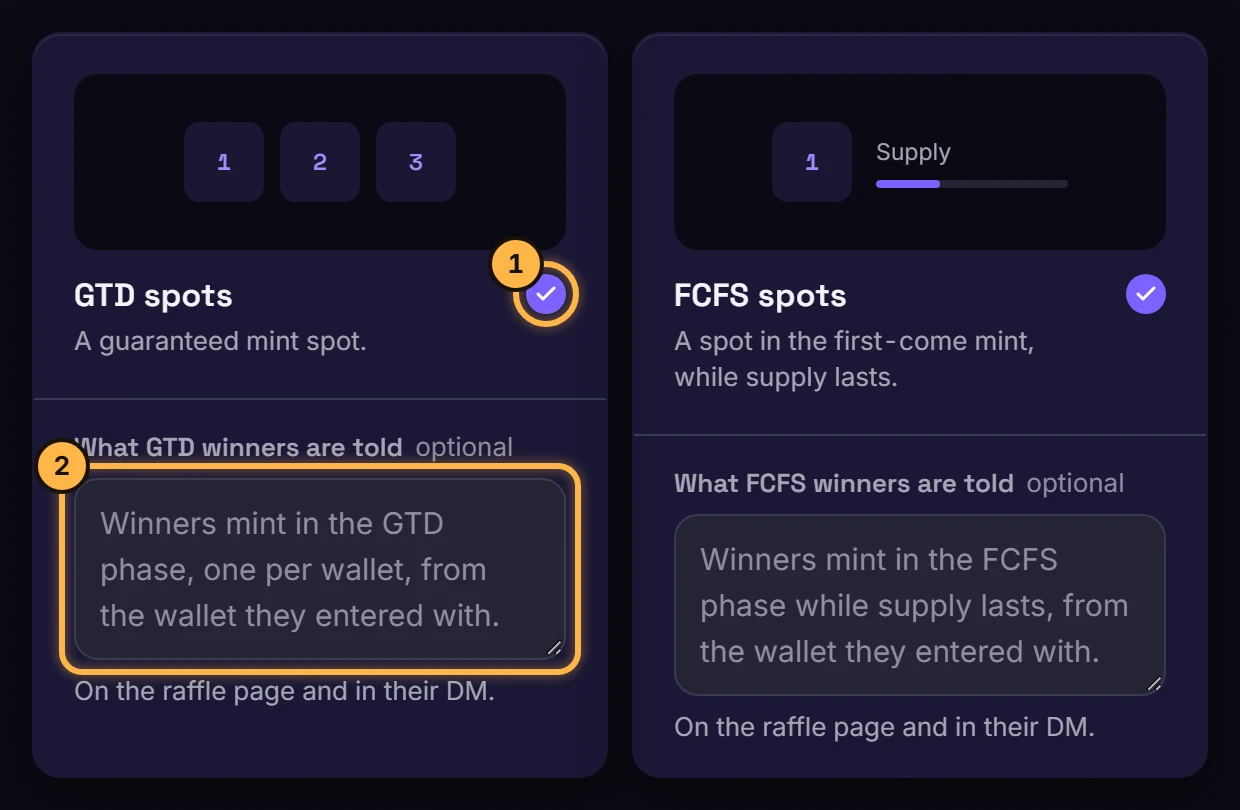
- 1Tick one kind or both.
- 2What its winners are told, on the raffle page and in their DM.
Below it, Your budget: an optional private number per kind that only your team sees. Then How are winners picked?: Random draw or First come. Communities can still change it.
Tasks
What every entrant does, up to 8 tasks. Each community adds its own holder and role rules on top.
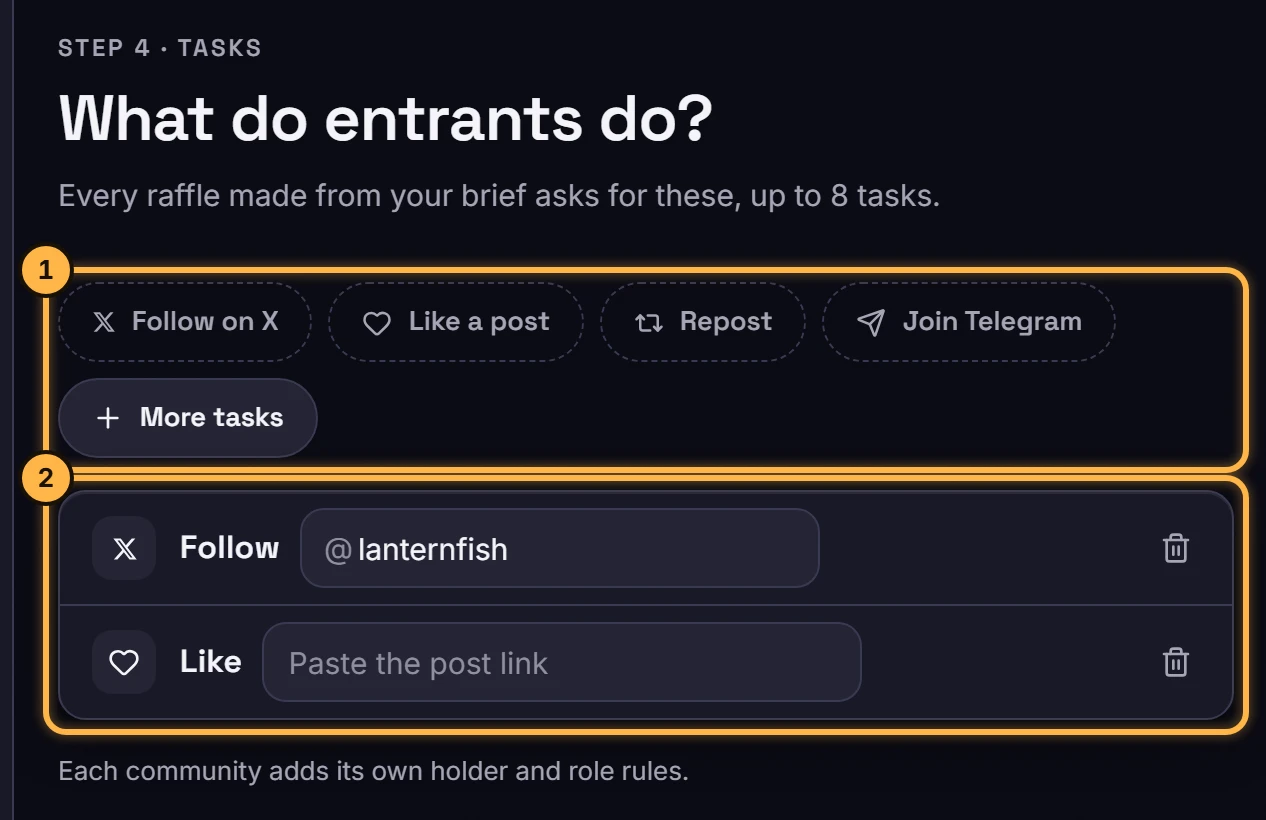
- 1Quick chips for the usual ones. More tasks lists the rest.
- 2Each task is one row: fill in the account or post.
The full list: follow, like, repost, reply or quote on X, at least N followers, an X account at least N months old, join a Discord server, join or boost a Telegram, answer a question, leave an email.
Links
Your X, Discord invite, website and Telegram, shown on your page and every raffle. Then Who do communities talk to?: find people on Fealty by name or @handle and their handles fill in (Add yourself adds you). Only who you add shows, up to three. Last, Who runs it with you?: co-managers, or an X handle invited before they are on Fealty.
Roles
Optional. Pick your project's Discord server and a role per phase. The server needs Fealty, and you need to own it or hold its Verification permission.
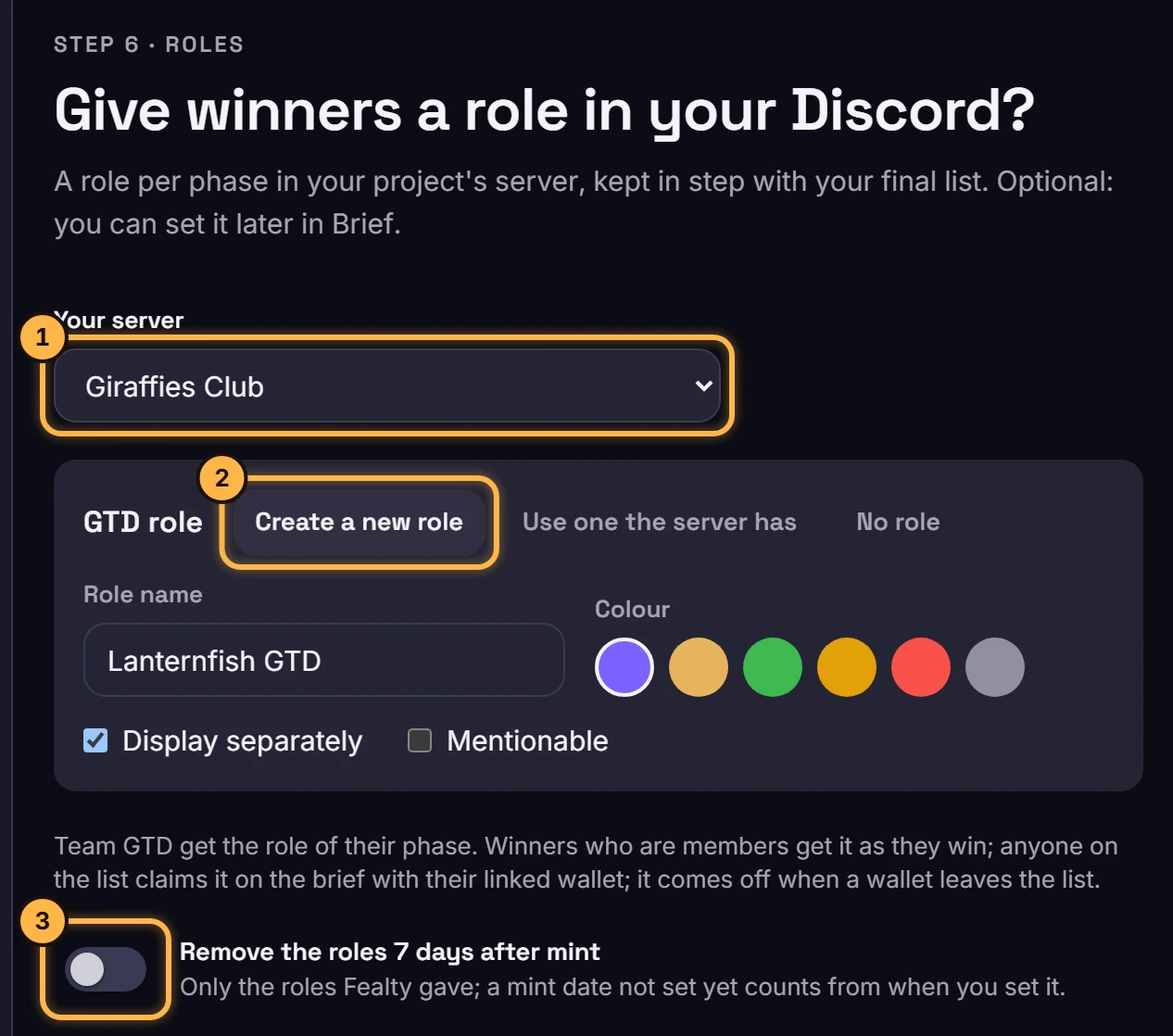
- 1Your server. Leave No roles to skip.
- 2Create a new role, or use one the server has.
- 3Optional: remove the roles 7 days after mint.
Winners get the role as they win, anyone on your list can claim it on the brief with their linked wallet, and it comes off when a wallet leaves the list. Team spots get their phase's role.
Publish
Choose where it shows.
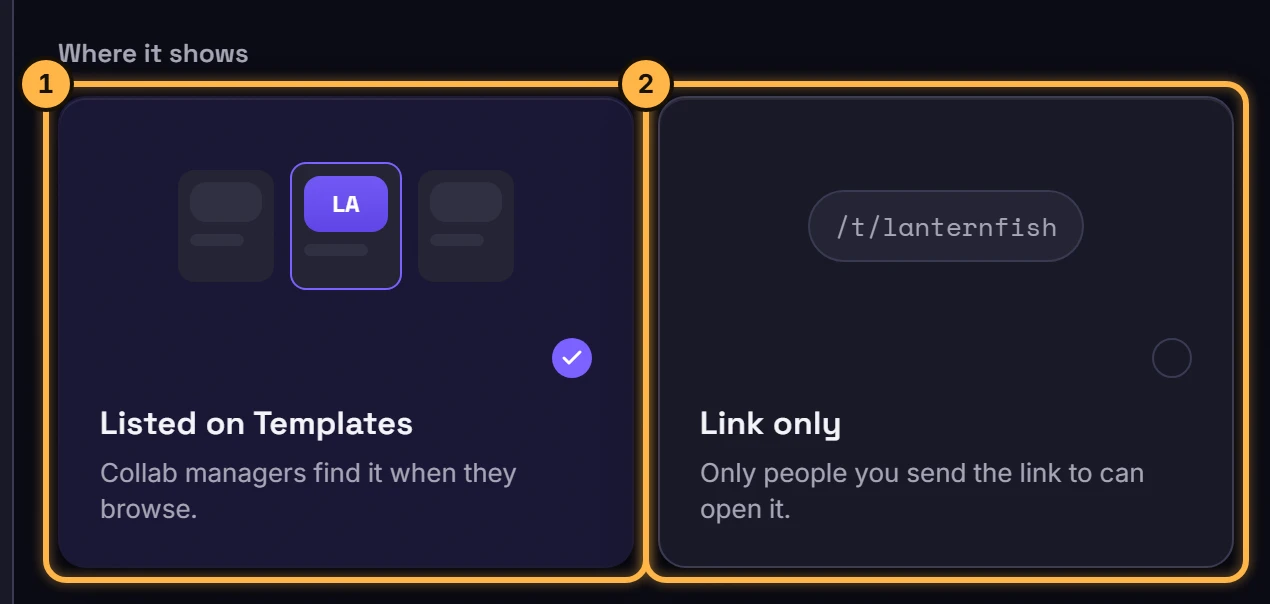
- 1Listed on Templates: collab managers find it when they browse.
- 2Link only: only people you send the link to.
Check the summary (Edit jumps back to a step), then use the bar at the bottom.
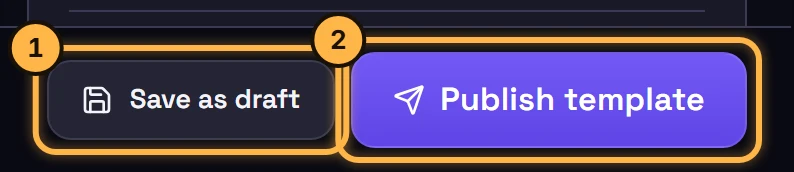
- 1Save as draft to finish it later.
- 2Publish template: communities can ask for spots right away.
After you publish
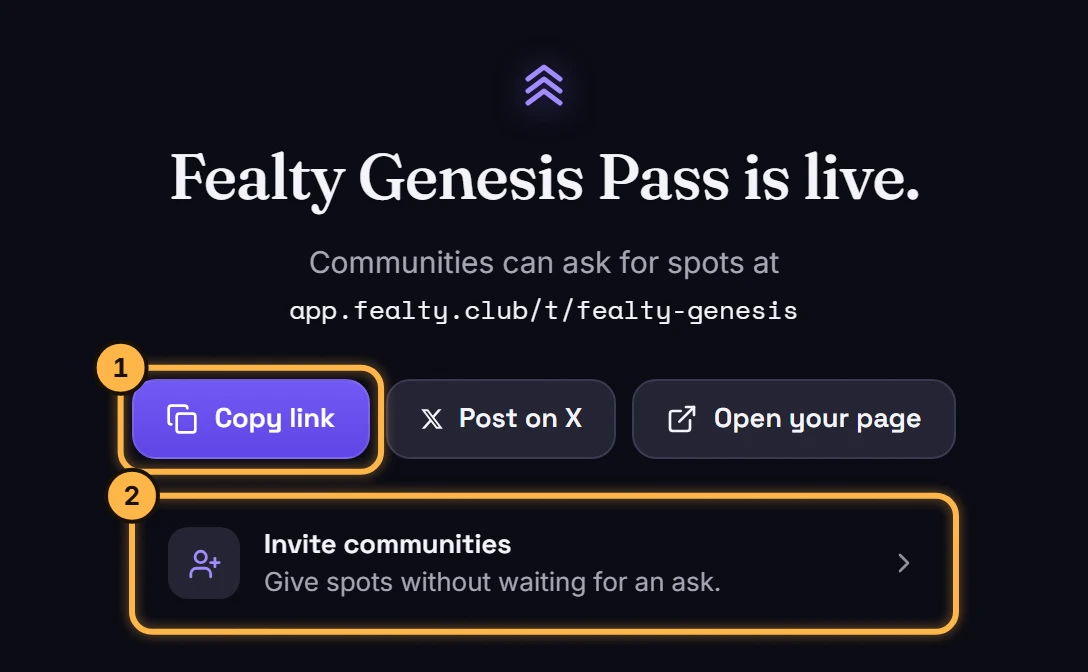
- 1Copy link and send it to the communities you collab with. Post on X and Open your page sit beside it.
- 2Invite communities: give spots before anyone asks (Requests and spots).
Everything else, from the share card to the contract, is in your template's workspace.
Send projects the guide
Collab managers: send projects app.fealty.club/templates/start. It shows an example brief, share card and PDF, and its button signs them in and lands them on the form. You get one link back instead of a doc. Copy it from Templates or My templates.
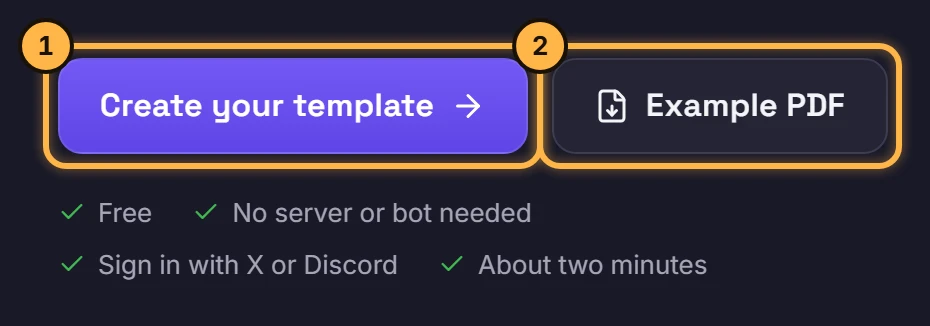
- 1One button: sign in with X or Discord, then the form.
- 2An example one-page PDF.